
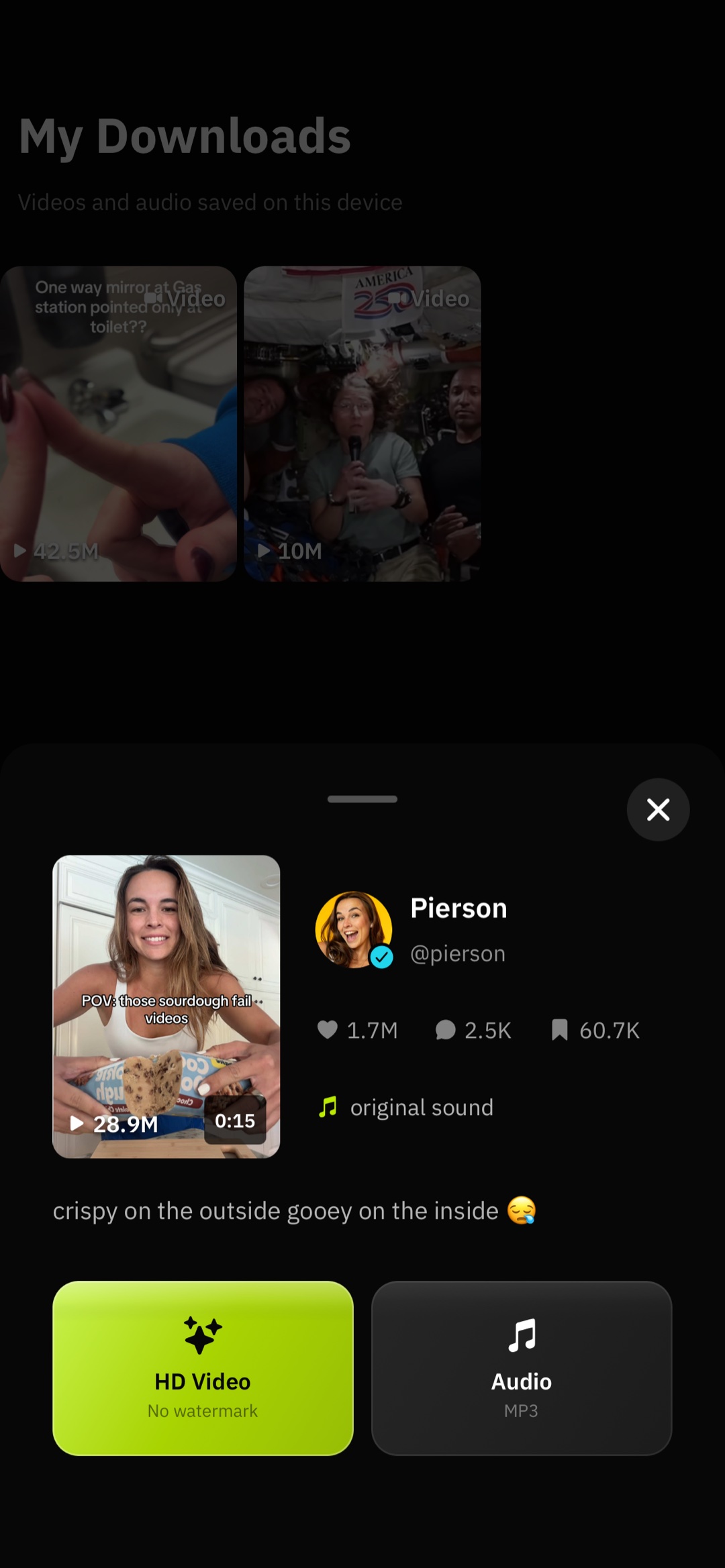
HD quality, no watermark
Save high-quality video without the floating TikTok watermark when the source allows it.
SnapTik is a focused downloader and discovery app: paste a link, preview the clip, then save HD video without the watermark, grab the audio track, or keep a watermarked copy — all stored in your library and gallery.


From crisp downloads to discovery and stats — everything you need to save and explore TikTok content in one app.
Save high-quality video without the floating TikTok watermark when the source allows it.
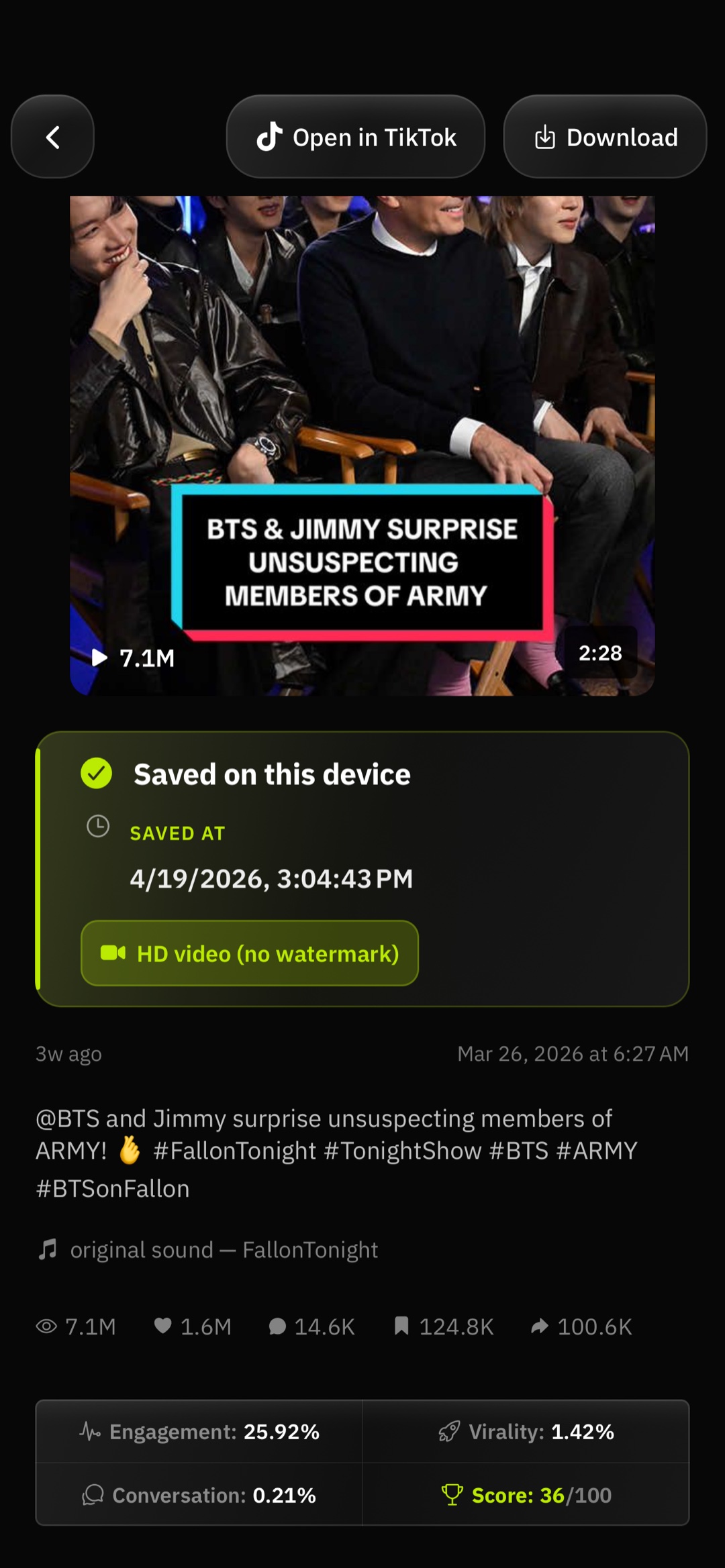
See context and engagement signals to understand what’s performing.
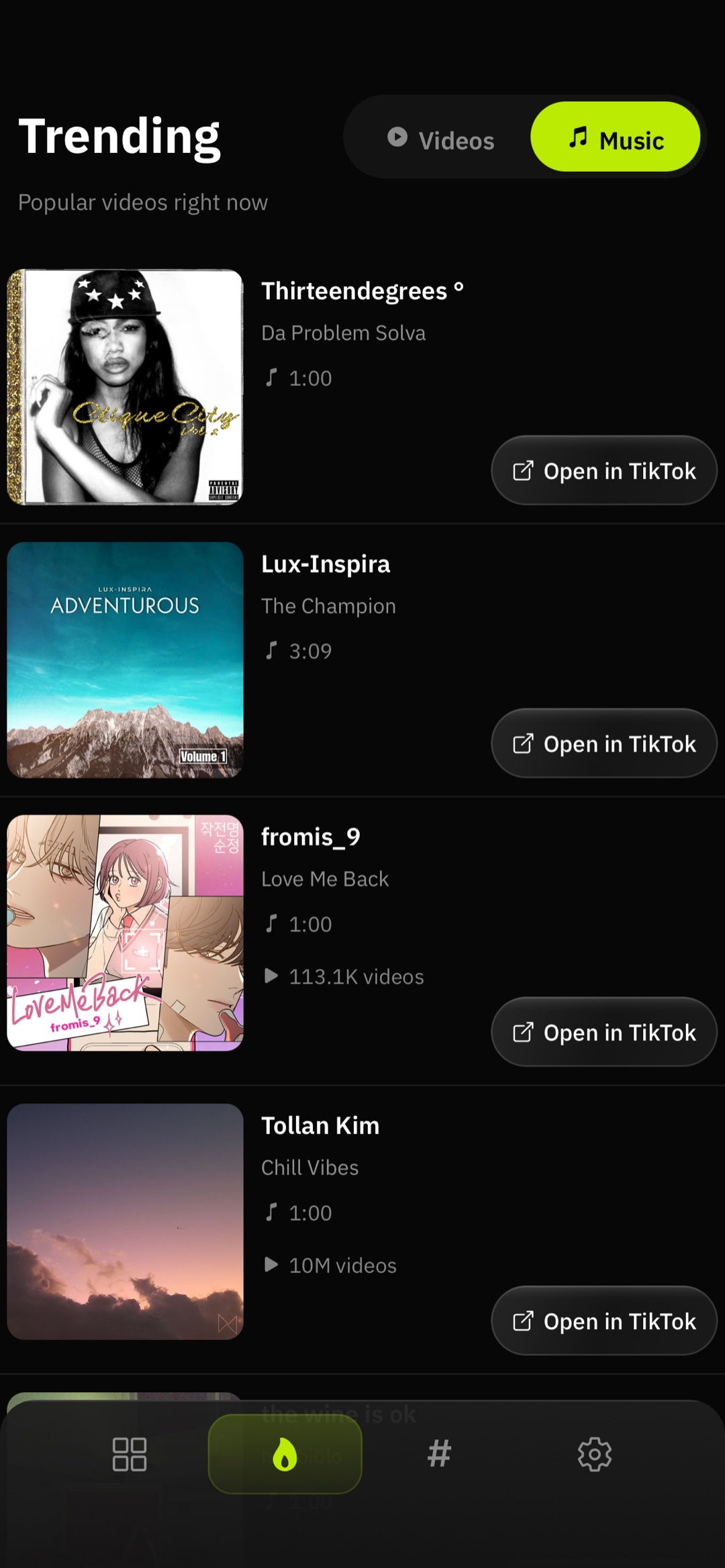
Explore what’s hot and discover audio-led content alongside video trends.
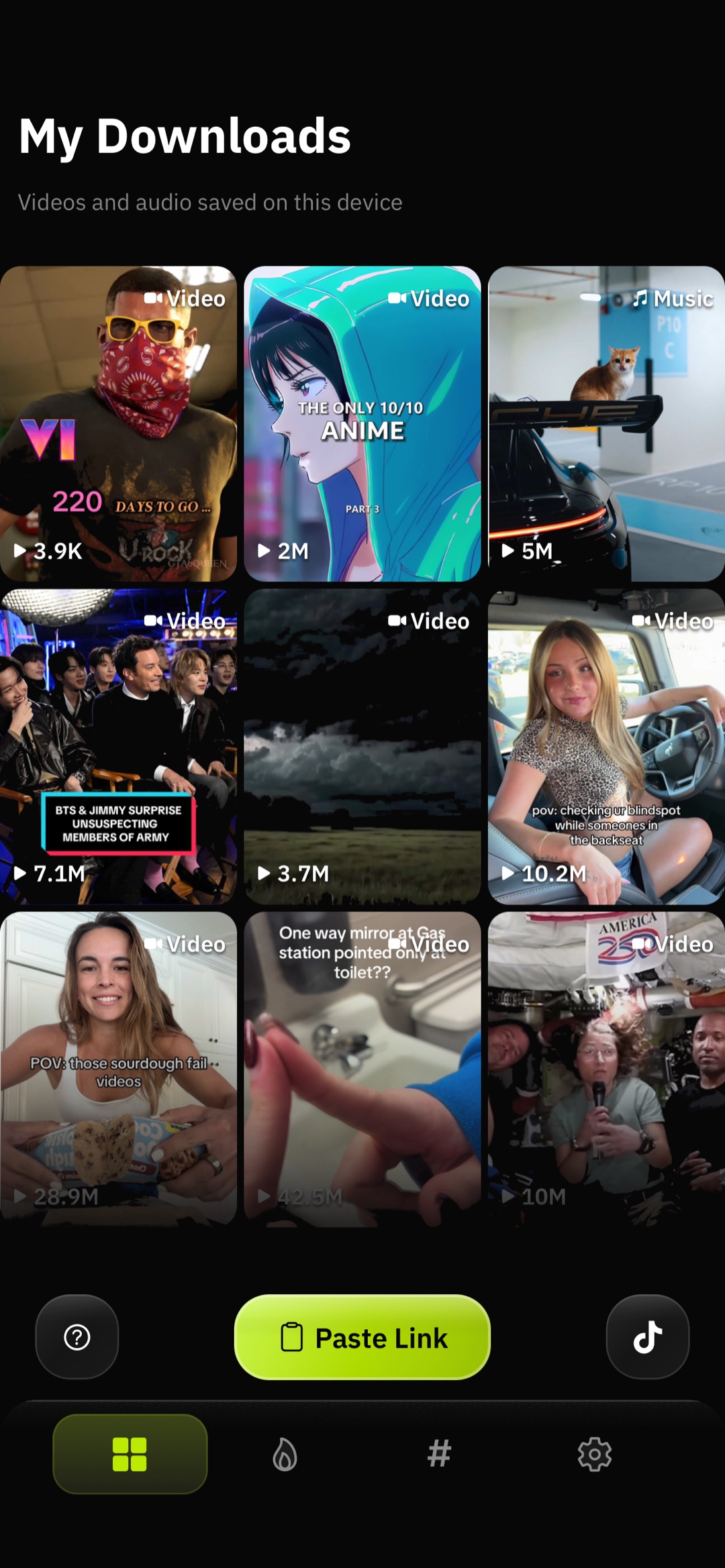
Keep downloads in your library and gallery with a workflow built around your device.
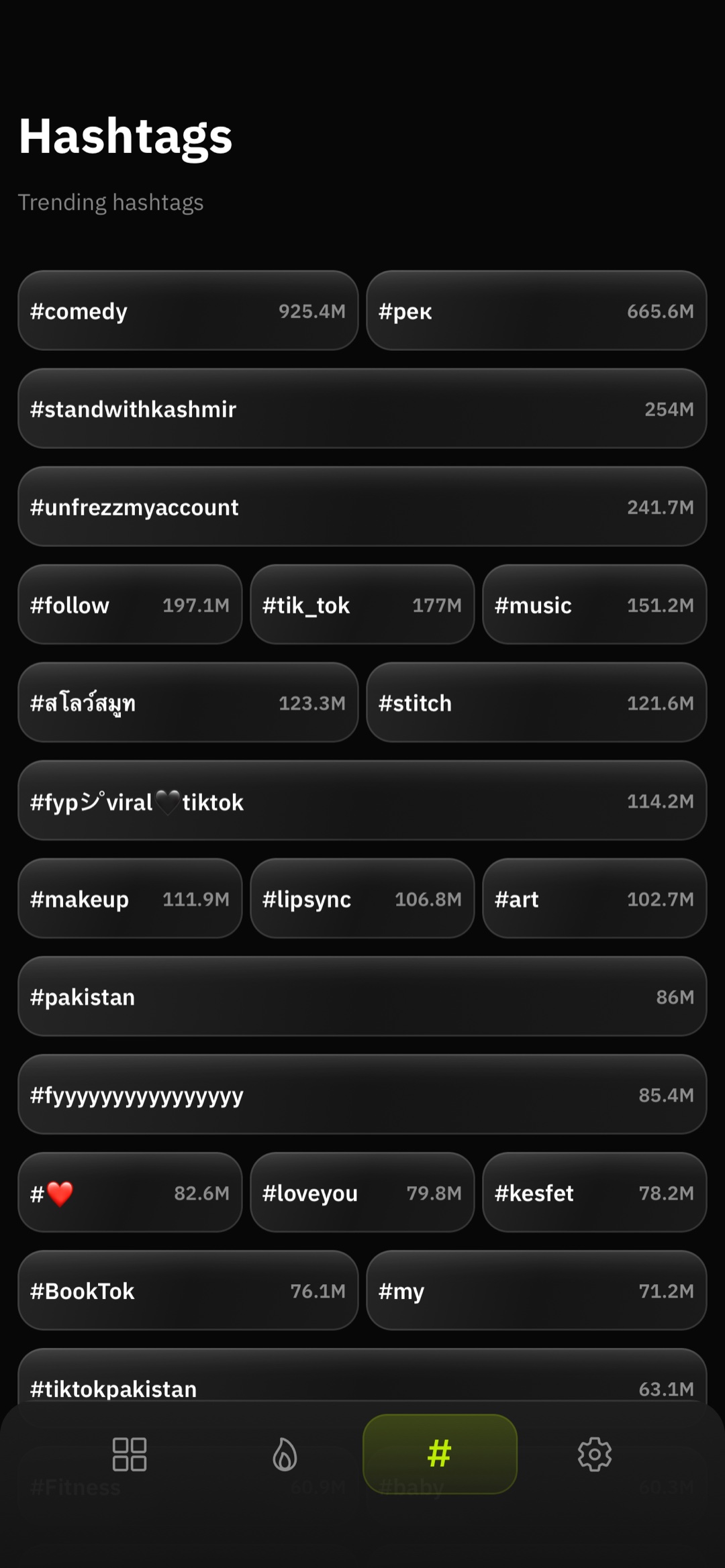
Browse top tags with video counts for inspiration and quick copy-friendly layouts.
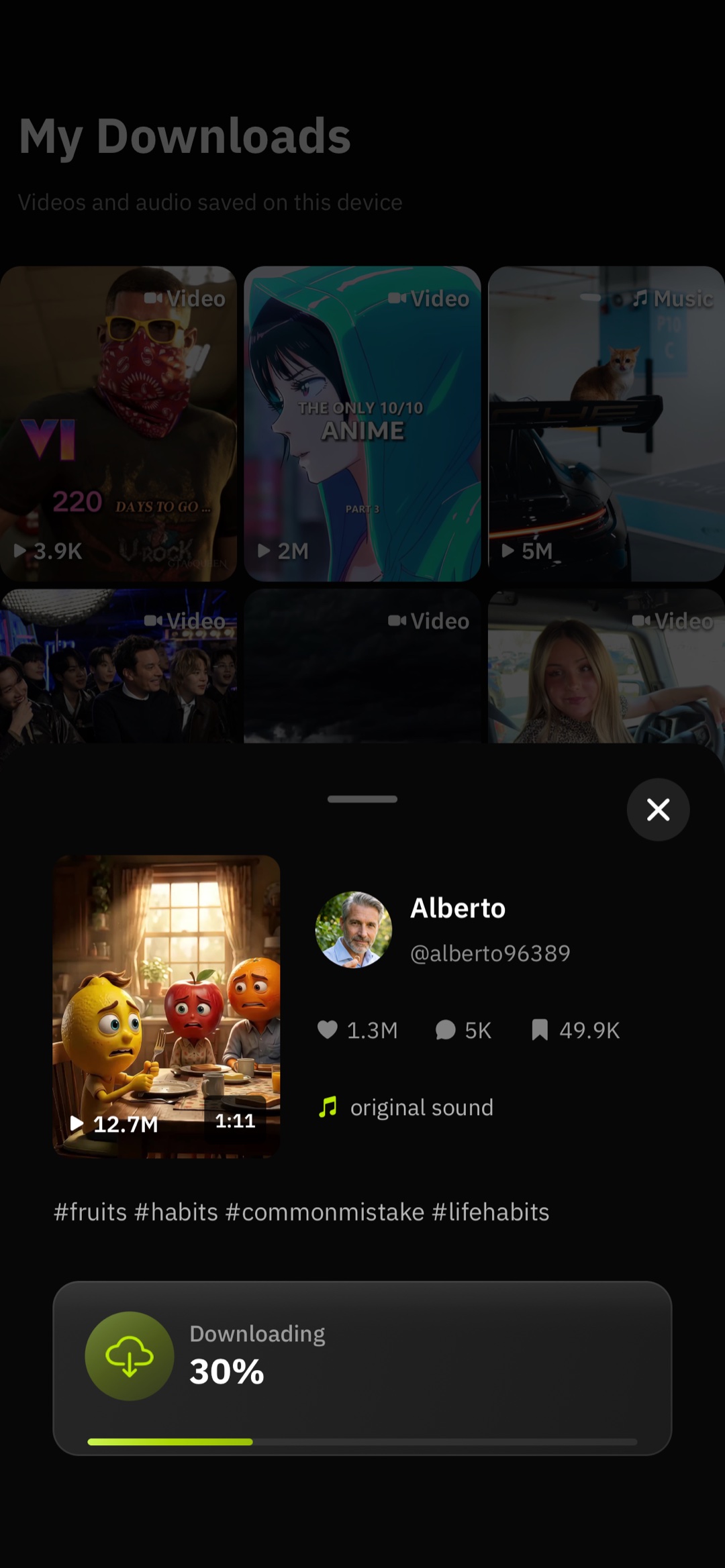
Paste a link, preview the clip, and grab the format you want in seconds.
One app for saving what you care about and seeing what’s blowing up — without juggling websites or messy workflows.
Paste a TikTok link and choose a format: crisp HD without the TikTok watermark, audio-only for sounds you love, or a watermarked file when you need it. You see a preview before anything is saved.
Browse a curated feed of what’s trending — views, engagement, and context at a glance. Tap through to ideas, memes, and formats that are taking off right now.
Explore popular hashtags with video counts so you can spot rising topics, copy tags for your own posts, or plan content around what’s already moving.
Three quick steps from “saw it on TikTok” to “saved on my phone” — all inside SnapTik.
Open TikTok (or anywhere the link is shared) and copy the video URL like you normally would.
In SnapTik, tap Paste Link. We fetch the metadata and show a preview so you know it’s the right clip.
Pick HD without watermark, audio, or watermarked video. Files go to your gallery (and your in-app library for easy reopening).
Not every save is the same. SnapTik separates quality and format so you can archive a clean edit, keep the sound for a remix, or stay closer to what TikTok exported originally.
Everything you download appears in SnapTik’s Library tab with thumbnails and stats, and compatible saves sync to your device Photos / gallery so you can share or edit them in other apps.
Your library is on-device storage — handy when you want to re-open a clip or download another format later without pasting the link again.
SnapTik isn’t only a downloader. The Hot tab surfaces trending videos with engagement signals so you can explore culture-wide hits, not just your algorithm.
The Hashtags tab lists top tags with how many videos use them — useful for research, inspiration, or grabbing a block of tags to paste into TikTok’s caption field.
Discovery data is refreshed from the backend; counts and rankings can change as new content goes viral.
Install on iOS or Android and start saving in seconds — paste a link, preview, and choose your format.
SnapTik is an independent app and is not affiliated with, endorsed by, or sponsored by TikTok or ByteDance. Only download and share content when you have the right to do so, and respect creators and TikTok’s terms of use. See our Privacy Policy for how we handle data in the app.